Apple Pay Button
From syxUI — written for both platforms, not translated between them.
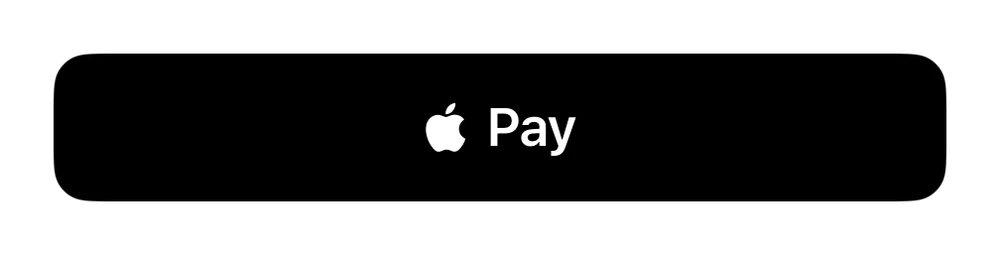
A black Apple-Pay-style checkout button.
Buttons · SwiftUI · iOS 17
- buttons
- swiftui
The actual source
PayButtonCard.swift
// Apple Pay Button · syxUI · https://syxui.dev/components/btn-pay
// Free in any project. Keep this line and credit syxUI where a person can read it.

import SwiftUI

// Apple Pay style button
struct PayButtonCard: View {
    var body: some View {
        HStack(spacing: 6) {
            Image(systemName: "applelogo").font(.system(size: 17))
            Text("Pay").font(.system(size: 18, weight: .semibold))
        }.foregroundStyle(.white).frame(maxWidth: .infinity).padding(.vertical, 14)
            .background(Color.black, in: RoundedRectangle(cornerRadius: 12, style: .continuous)).frame(width: 300)
    }
}
iOS 17 · No dependencies
Dependencies
- SwiftUI
- No external dependencies
Requires iOS 17