Dot Grid
From syxUI — written for both platforms, not translated between them.
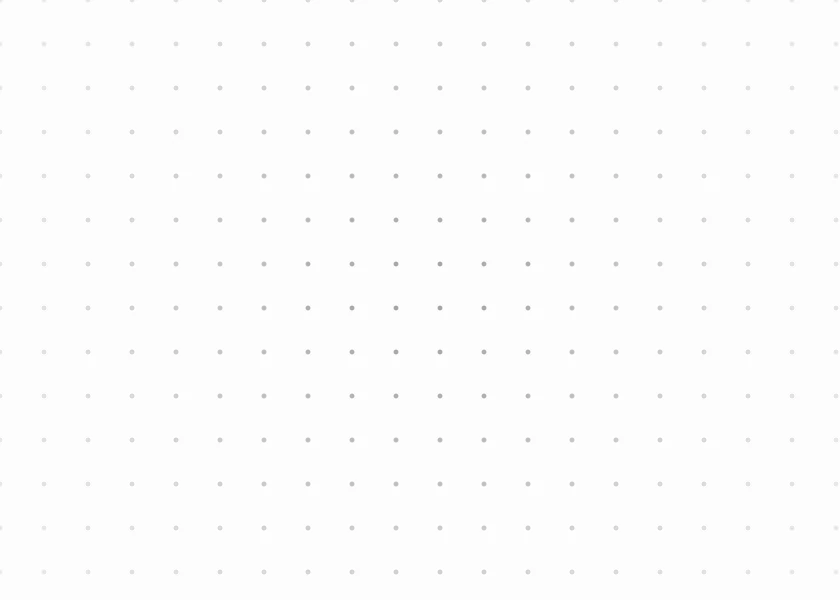
A dot lattice that fades toward the edges. One draw call, any density.
Backgrounds · SwiftUI · Flutter · iOS 17 · Flutter 3.16
- background
- grid
- dots
- pattern
- subtle
- texture
The actual source
DotGrid.swift
// Dot Grid · syxUI · https://syxui.dev/components/dot-grid
// Free in any project. Keep this line and credit syxUI where a person can read it.

import SwiftUI

/// A dot lattice that fades toward the edges.
///
/// One `Canvas` pass draws every dot, so the cost is flat no matter how dense
/// the grid gets. The radial mask is what stops it reading as graph paper.
struct DotGrid: View {
    var spacing: CGFloat = 22
    var dotSize: CGFloat = 2.4
    var color: Color = Color(white: 0.62)
    var background: Color = Color(white: 0.99)
    var fadeEdges: Bool = true

    var body: some View {
        ZStack {
            background

            Canvas { context, size in
                let columns = Int(size.width / spacing) + 2
                let rows = Int(size.height / spacing) + 2
                let dot = Path(ellipseIn: CGRect(x: 0, y: 0, width: dotSize, height: dotSize))
                let shading = GraphicsContext.Shading.color(color)

                for row in 0..<rows {
                    for column in 0..<columns {
                        context.drawLayer { layer in
                            layer.translateBy(
                                x: CGFloat(column) * spacing - dotSize / 2,
                                y: CGFloat(row) * spacing - dotSize / 2
                            )
                            layer.fill(dot, with: shading)
                        }
                    }
                }
            }
            .mask {
                if fadeEdges {
                    RadialGradient(
                        colors: [.black, .black.opacity(0.35), .clear],
                        center: .center,
                        startRadius: 0,
                        endRadius: 340
                    )
                } else {
                    Color.black
                }
            }
        }
        .accessibilityHidden(true)
    }
}

#Preview {
    DotGrid()
        .frame(width: 400, height: 300)
}
iOS 17 · No dependencies
SwiftUI note. Static, so it never invalidates. The radial mask is what keeps it from reading as graph paper — turn it off with fadeEdges: false.
Dependencies
- SwiftUI
- No external dependencies
- Flutter
- No external dependencies
Requires iOS 17
Requires Flutter 3.16