Product Results
From syxUI — written for both platforms, not translated between them.
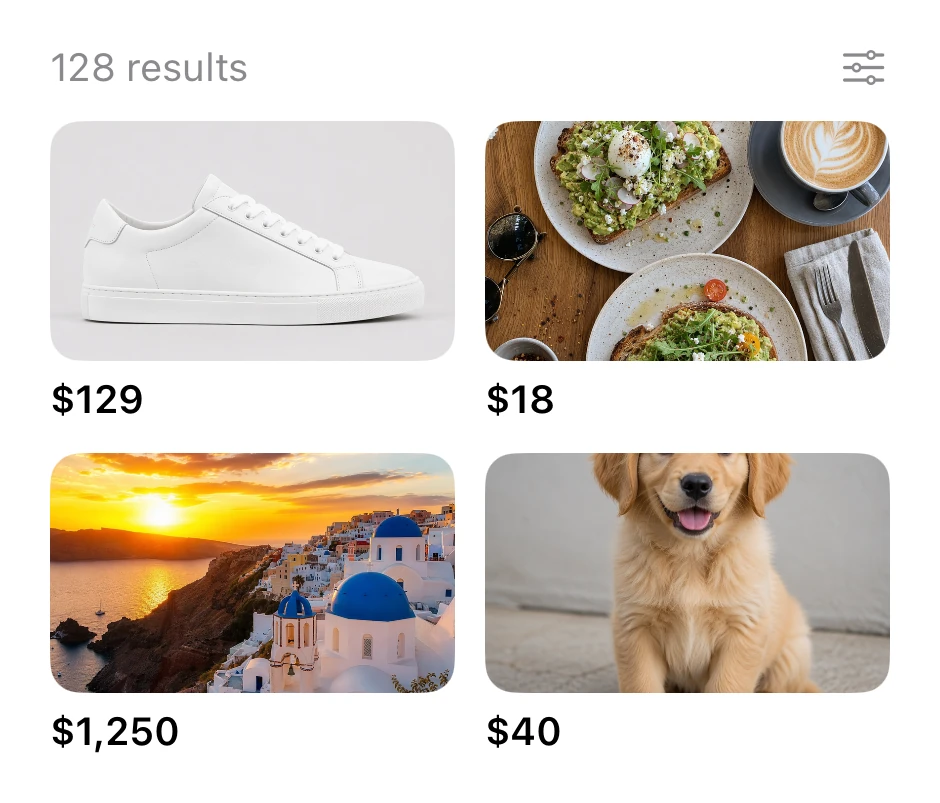
A product-results grid.
Inputs · SwiftUI · iOS 17
- inputs
- swiftui
The actual source
SearchProductGrid.swift
// Product Results · syxUI · https://syxui.dev/components/search-product-grid
// Free in any project. Keep this line and credit syxUI where a person can read it.

import SwiftUI

// Product grid results
struct SearchProductGrid: View {
    let items = [("photo_product", "$129"), ("photo_food", "$18"), ("photo_travel", "$1,250"), ("photo_pet", "$40")]
    var body: some View {
        VStack(alignment: .leading, spacing: 10) {
            HStack { Text("128 results").font(.system(size: 13)).foregroundStyle(.secondary); Spacer(); Image(systemName: "slider.horizontal.3").font(.system(size: 14)).foregroundStyle(.secondary) }
            LazyVGrid(columns: [GridItem(.flexible(), spacing: 10), GridItem(.flexible(), spacing: 10)], spacing: 10) {
                ForEach(Array(items.enumerated()), id: \.offset) { _, it in VStack(alignment: .leading, spacing: 5) { Image(it.0).resizable().scaledToFill().frame(height: 80).clipShape(RoundedRectangle(cornerRadius: 10, style: .continuous)); Text(it.1).font(.system(size: 13, weight: .semibold)) } }
            }
        }.frame(width: 280)
    }
}
iOS 17 · 4 dependencies
Dependencies
- SwiftUI
- photo_product (image asset)
- photo_food (image asset)
- photo_travel (image asset)
- photo_pet (image asset)
Requires iOS 17