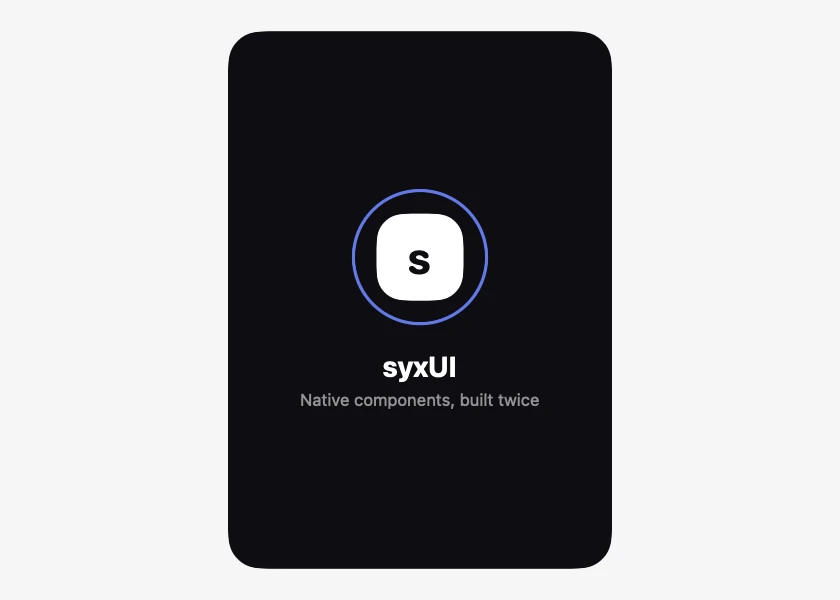
Splash Screen
From syxUI — written for both platforms, not translated between them.
A launch screen where the mark resolves out of a blur while a ring draws.
Splash · SwiftUI · Flutter · iOS 17 · Flutter 3.27
- splash
- launch
- startup
- logo
- loading
- animated
The actual source
SplashScreen.swift
// Splash Screen · syxUI · https://syxui.dev/components/splash-screen
// Free in any project. Keep this line and credit syxUI where a person can read it.

import SwiftUI

/// A launch screen that resolves into your first view.
///
/// The mark scales up out of a blur while a ring draws around it, then the
/// whole thing hands off. `onFinish` fires once the animation completes, so
/// the transition is driven by the animation rather than by a guessed delay.
struct SplashScreen: View {
    var title: String = "syxUI"
    var subtitle: String? = "Native components, built twice"
    var background: Color = Color(red: 0.05, green: 0.05, blue: 0.07)
    var accent: Color = Color(red: 0.42, green: 0.52, blue: 1.0)
    var duration: Double = 1.5
    var onFinish: () -> Void = {}
    /// Drive the sequence externally, 0...1.
    var progress: Double? = nil

    @Environment(\.accessibilityReduceMotion) private var reduceMotion
    @State private var animated: Double = 0

    private var t: Double { progress ?? animated }

    /// Three overlapping phases, so nothing waits on the one before it.
    private var markIn: Double { eased(t / 0.55) }
    private var ringIn: Double { eased((t - 0.18) / 0.6) }
    private var textIn: Double { eased((t - 0.38) / 0.5) }

    var body: some View {
        ZStack {
            background

            VStack(spacing: 20) {
                ZStack {
                    Circle()
                        .trim(from: 0, to: ringIn)
                        .stroke(
                            accent.opacity(0.9),
                            style: StrokeStyle(lineWidth: 2.5, lineCap: .round)
                        )
                        .rotationEffect(.degrees(-90))
                        .frame(width: 104, height: 104)

                    RoundedRectangle(cornerRadius: 22, style: .continuous)
                        .fill(.white)
                        .frame(width: 68, height: 68)
                        .overlay {
                            Text(String(title.prefix(1)))
                                .font(.system(size: 34, weight: .bold, design: .rounded))
                                .foregroundStyle(background)
                        }
                        .scaleEffect(0.6 + 0.4 * markIn)
                        .blur(radius: (1 - markIn) * 12)
                        .opacity(markIn)
                }

                VStack(spacing: 5) {
                    Text(title)
                        .font(.system(size: 22, weight: .bold))
                        .foregroundStyle(.white)
                    if let subtitle {
                        Text(subtitle)
                            .font(.system(size: 13))
                            .foregroundStyle(.white.opacity(0.55))
                    }
                }
                .opacity(textIn)
                .offset(y: (1 - textIn) * 10)
            }
        }
        .ignoresSafeArea()
        .onAppear(perform: start)
        .accessibilityElement()
        .accessibilityLabel("\(title). Loading.")
    }

    private func eased(_ raw: Double) -> Double {
        let clamped = min(max(raw, 0), 1)
        // easeOutCubic — fast out of the gate, settles softly.
        return 1 - pow(1 - clamped, 3)
    }

    private func start() {
        guard progress == nil else { return }
        guard !reduceMotion else {
            animated = 1
            onFinish()
            return
        }
        withAnimation(.linear(duration: duration)) { animated = 1 }
        DispatchQueue.main.asyncAfter(deadline: .now() + duration) { onFinish() }
    }
}

#Preview {
    SplashScreen(progress: 0.7)
        .frame(width: 320, height: 420)
}
iOS 17 · No dependencies
SwiftUI note. This is the animated hand-off, not the static launch screen — iOS still needs a LaunchScreen storyboard or Info.plist entry, which cannot animate. Show this immediately after launch and swap on onFinish.
Dependencies
- SwiftUI
- No external dependencies
- Flutter
- No external dependencies
Requires iOS 17
Requires Flutter 3.27