Char Wave
From syxUI — written for both platforms, not translated between them.
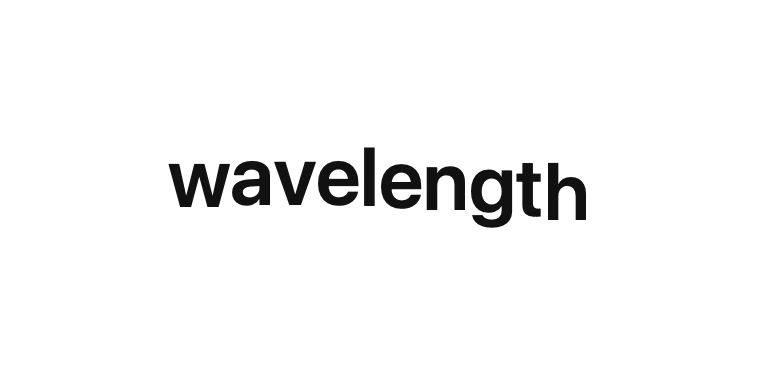
A sine wave travelling through the letterforms, forever and gently.
Text Effects · SwiftUI · Flutter · iOS 17 · Flutter 3.27
- text
- wave
- sine
- loop
- playful
- characters
- animation
The actual source
CharWave.swift
// Char Wave · syxUI · https://syxui.dev/components/char-wave
// Free in any project. Keep this line and credit syxUI where a person can read it.

import SwiftUI

/// A sine wave travelling through the letterforms, forever and gently.
///
/// Character `i` rides `amplitude * sin(2π * (phase - i * lagFraction))`,
/// where `lagFraction = charLag / period` puts each glyph a fixed fraction of
/// the period behind its neighbour — the shape that reads as a rope rather
/// than independent jitter.
struct CharWave: View {
    var text: String = "wavelength"
    /// Vertical travel at the crest, in points.
    var amplitude: CGFloat = 8
    /// One full wave cycle, in milliseconds.
    var period: Double = 1600
    /// Delay between one character's crest and the next's, in milliseconds.
    var charLag: Double = 55
    /// Swing glyphs ±5° in phase with the offset, hinged at the baseline.
    var rotate: Bool = false
    var color: Color = Color(white: 0.07)
    /// Preview override. `0...1` is exactly one period; the loop is seamless
    /// at the wrap since a sine repeats every whole cycle regardless of lag.
    var phase: Double? = nil

    @Environment(\.accessibilityReduceMotion) private var reduceMotion

    private let fontSize: CGFloat = 40

    var body: some View {
        // A sine is not an animatable property's endpoint — it is a
        // non-linear function of the clock, so a driven `@State` value only
        // ever shows the resting phase. `TimelineView` re-evaluates every
        // frame instead, which is what a continuous wave needs.
        TimelineView(.animation(paused: phase != nil || reduceMotion)) { context in
            let current = currentPhase(at: context.date)
            line(at: current)
        }
        .frame(height: fontSize * 1.3 + amplitude * 2 + 12)
        .accessibilityElement(children: .ignore)
        .accessibilityLabel(text)
    }

    private func currentPhase(at date: Date) -> Double {
        if let phase { return phase }
        if reduceMotion { return 0 }
        let ms = date.timeIntervalSinceReferenceDate * 1000
        return (ms / period).truncatingRemainder(dividingBy: 1)
    }

    private func line(at current: Double) -> some View {
        let lagFraction = period > 0 ? charLag / period : 0
        let characters = Array(text.enumerated())

        return HStack(spacing: 0) {
            ForEach(characters, id: \.offset) { index, character in
                self.character(character, index: index, current: current, lagFraction: lagFraction)
            }
        }
    }

    @ViewBuilder
    private func character(
        _ character: Character,
        index: Int,
        current: Double,
        lagFraction: Double
    ) -> some View {
        let glyph = Text(String(character))
            .font(.system(size: fontSize, weight: .semibold))
            .foregroundStyle(color)

        if reduceMotion {
            // A settled flat baseline, not a frozen mid-wave frame — this
            // loop has no natural "finished" pose, so rest is the flat line.
            glyph
        } else {
            let angle = 2 * Double.pi * (current - Double(index) * lagFraction)
            let wave = sin(angle)

            glyph
                .scaleEffect(1 + 0.03 * wave, anchor: .bottom)
                .rotationEffect(.degrees(rotate ? 5 * wave : 0), anchor: .bottom)
                .offset(y: -amplitude * wave)
        }
    }
}

#Preview {
    CharWave()
        .padding(30)
}
iOS 17 · No dependencies
SwiftUI note. One Text view per character discards kerning and complex-script shaping — fine for this short, playful use, not for body copy. TimelineView redraws every frame because the wave is a sine of the clock, not an animatable endpoint; keep the string short on a screen with many instances.
Dependencies
- SwiftUI
- No external dependencies
- Flutter
- No external dependencies
Requires iOS 17
Requires Flutter 3.27