Ripple Grid
From syxUI — written for both platforms, not translated between them.
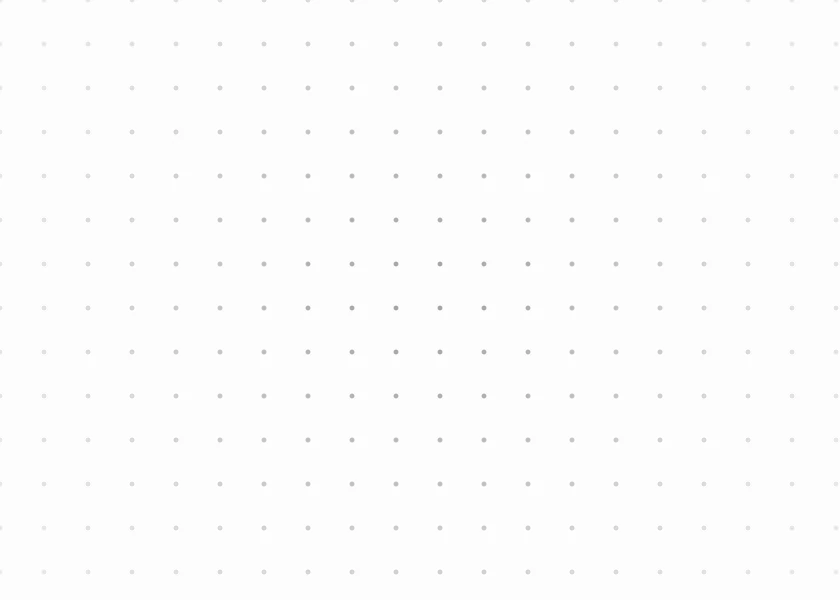
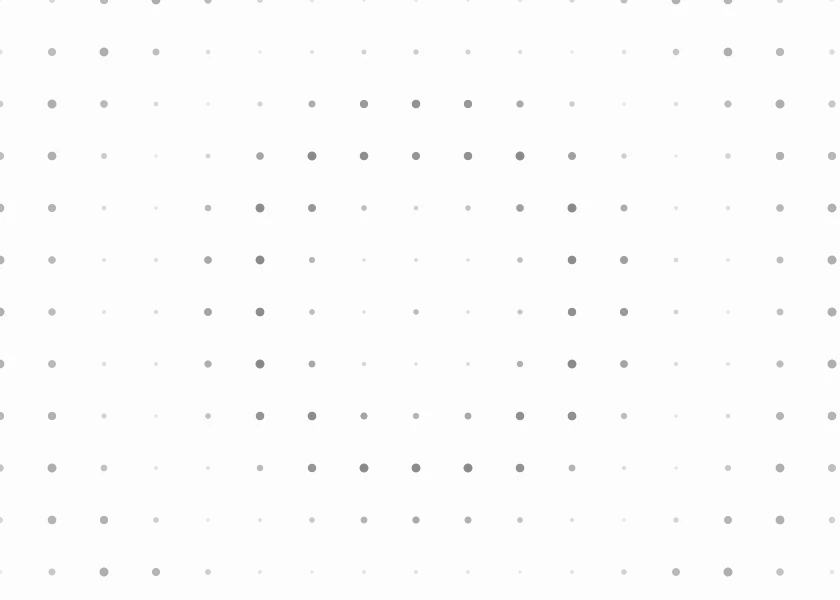
A dot lattice with a ripple travelling outward, brightening dots as it passes.
Backgrounds · SwiftUI · Flutter · iOS 17 · Flutter 3.27
- background
- grid
- dots
- ripple
- wave
- animated
- pattern
The actual source
RippleGrid.swift
// Ripple Grid · syxUI · https://syxui.dev/components/ripple-grid
// Free in any project. Keep this line and credit syxUI where a person can read it.

import SwiftUI

/// A dot lattice with a ripple travelling outward through it.
///
/// Dots scale and brighten as the wave passes, then settle. One `Canvas` pass
/// draws the whole field, so density is nearly free.
struct RippleGrid: View {
    var spacing: CGFloat = 26
    var dotSize: CGFloat = 3.2
    var color: Color = Color(white: 0.30)
    var background: Color = Color(white: 0.99)
    /// Rings visible at once. Higher reads busier.
    var waves: Double = 2.2
    var period: Double = 4.5
    var phase: Double? = nil

    @Environment(\.accessibilityReduceMotion) private var reduceMotion
    @State private var animated: Double = 0

    private var current: Double { phase ?? animated }

    var body: some View {
        Canvas { context, size in
            context.fill(Path(CGRect(origin: .zero, size: size)), with: .color(background))

            let centre = CGPoint(x: size.width / 2, y: size.height / 2)
            let maxDistance = hypot(size.width, size.height) / 2
            let columns = Int(size.width / spacing) + 2
            let rows = Int(size.height / spacing) + 2

            for row in 0..<rows {
                for column in 0..<columns {
                    let point = CGPoint(
                        x: CGFloat(column) * spacing,
                        y: CGFloat(row) * spacing
                    )
                    let distance = hypot(point.x - centre.x, point.y - centre.y) / maxDistance

                    // Ring position minus the dot's distance from centre gives
                    // each dot its own place in the wave.
                    let wave = sin((current - distance) * waves * 2 * .pi)
                    let intensity = (wave + 1) / 2
                    let scale = 0.55 + 0.85 * intensity
                    let opacity = (0.18 + 0.62 * intensity) * (1 - distance * 0.55)
                    let radius = dotSize * scale

                    let rect = CGRect(
                        x: point.x - radius / 2,
                        y: point.y - radius / 2,
                        width: radius,
                        height: radius
                    )
                    context.fill(Path(ellipseIn: rect), with: .color(color.opacity(max(opacity, 0))))
                }
            }
        }
        .onAppear(perform: start)
        .accessibilityHidden(true)
    }

    private func start() {
        guard phase == nil, !reduceMotion else { return }
        withAnimation(.linear(duration: period).repeatForever(autoreverses: false)) {
            animated = 1
        }
    }
}

#Preview {
    RippleGrid()
        .frame(width: 420, height: 300)
}
iOS 17 · No dependencies
SwiftUI note. Redraws every frame, so keep the spacing at 20pt or more on a full screen. Raise `spacing` before you raise anything else if you see frame drops.
Dependencies
- SwiftUI
- No external dependencies
- Flutter
- No external dependencies
Requires iOS 17
Requires Flutter 3.27