Spotlight
From syxUI — written for both platforms, not translated between them.
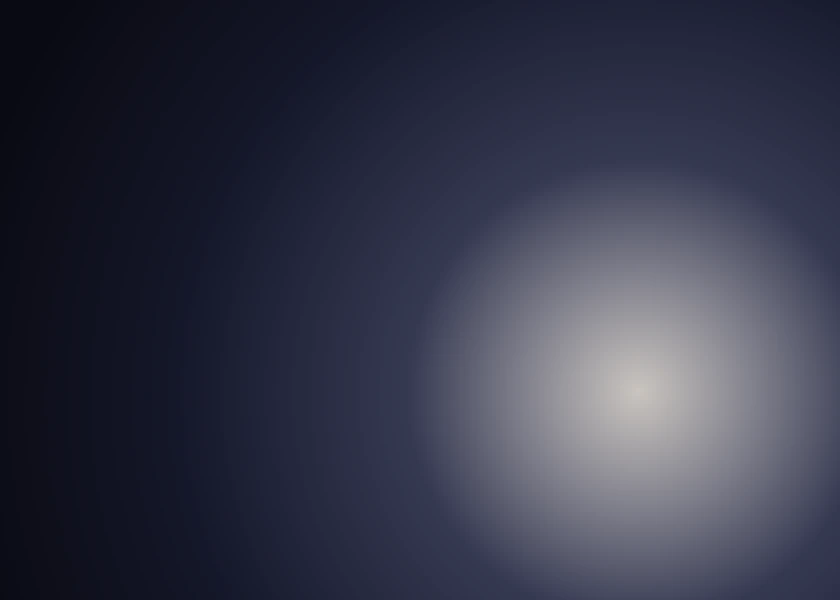
A soft light sweeping a slow ellipse over a dark field.
Backgrounds · SwiftUI · Flutter · iOS 17 · Flutter 3.27
- background
- spotlight
- light
- dark
- glow
- animated
The actual source
Spotlight.swift
// Spotlight · syxUI · https://syxui.dev/components/spotlight
// Free in any project. Keep this line and credit syxUI where a person can read it.

import SwiftUI

/// A soft spotlight sweeping a slow ellipse over a dark field.
///
/// Two radial gradients — a warm core and a wider cool falloff — so the light
/// has some body instead of reading as a flat white circle.
struct Spotlight: View {
    var tint: Color = Color(red: 1.0, green: 0.96, blue: 0.88)
    var accent: Color = Color(red: 0.45, green: 0.55, blue: 1.0)
    var background: Color = Color(red: 0.04, green: 0.04, blue: 0.07)
    var radius: CGFloat = 0.55
    var period: Double = 11
    var phase: Double? = nil

    @Environment(\.accessibilityReduceMotion) private var reduceMotion
    @State private var animated: Double = 0

    private var current: Double { phase ?? animated }

    var body: some View {
        GeometryReader { geo in
            let side = max(geo.size.width, geo.size.height)
            let angle = current * 2 * .pi
            // An ellipse rather than a circle: the horizontal sweep is wider,
            // which reads as a light panning across rather than orbiting.
            let x = 0.5 + 0.26 * cos(angle)
            let y = 0.5 + 0.16 * sin(angle * 1.3)
            let centre = UnitPoint(x: x, y: y)

            ZStack {
                background

                RadialGradient(
                    colors: [accent.opacity(0.30), accent.opacity(0)],
                    center: centre,
                    startRadius: 0,
                    endRadius: side * radius * 1.5
                )

                RadialGradient(
                    colors: [tint.opacity(0.75), tint.opacity(0.10), .clear],
                    center: centre,
                    startRadius: 0,
                    endRadius: side * radius
                )
            }
            .clipped()
        }
        .ignoresSafeArea()
        .onAppear(perform: start)
        .accessibilityHidden(true)
    }

    private func start() {
        guard phase == nil, !reduceMotion else { return }
        withAnimation(.linear(duration: period).repeatForever(autoreverses: false)) {
            animated = 1
        }
    }
}

#Preview {
    Spotlight()
        .frame(width: 420, height: 300)
}
iOS 17 · No dependencies
SwiftUI note. Two gradients and one blur. The desktop original follows the cursor; on mobile there is no cursor, so it sweeps on its own — or pass `phase` to tie it to scroll.
Dependencies
- SwiftUI
- No external dependencies
- Flutter
- No external dependencies
Requires iOS 17
Requires Flutter 3.27