Scroll Reveal Text
From syxUI — written for both platforms, not translated between them.
A paragraph whose words brighten one by one as it scrolls up the screen.
Text Effects · SwiftUI · Flutter · iOS 17 · Flutter 3.16
- text
- scroll
- reveal
- paragraph
- animation
- editorial
The actual source
ScrollRevealText.swift
// Scroll Reveal Text · syxUI · https://syxui.dev/components/scroll-reveal-text
// Free in any project. Keep this line and credit syxUI where a person can read it.

import SwiftUI

/// A paragraph that resolves word by word as it scrolls up the screen.
///
/// The desktop version of this effect tracks the cursor. On a phone there is
/// no cursor, so scroll position is the input: each word brightens as the
/// block travels through the viewport.
///
/// Drop it inside a `ScrollView` and it wires itself up using the `.scrollView`
/// coordinate space. Pass `progress` to drive it yourself instead.
struct ScrollRevealText: View {
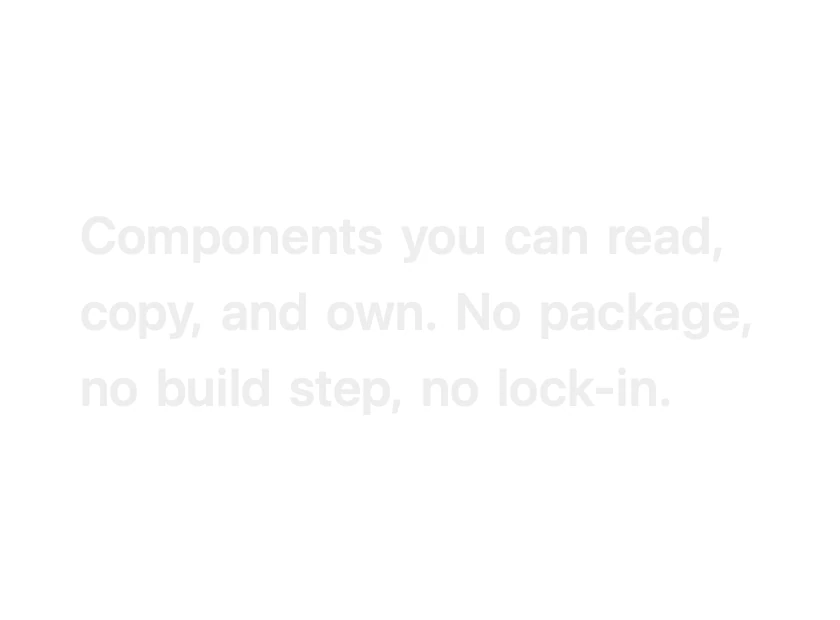
    var text: String = "Components you can read, copy, and own. No package, no build step, no lock-in."
    var font: Font = .system(size: 26, weight: .semibold)
    var dimmed: Color = Color(white: 0.84)
    var solid: Color = Color(white: 0.06)
    var progress: Double? = nil
    /// How many words are mid-reveal at once. Higher reads softer.
    var overlap: Double = 3.0

    private var words: [String] { text.split(separator: " ").map(String.init) }

    var body: some View {
        if let progress {
            layout(progress)
        } else {
            GeometryReader { geo in
                layout(scrollProgress(geo))
            }
            // GeometryReader has no intrinsic height, so reserve the text's.
            .frame(height: estimatedHeight)
        }
    }

    private func layout(_ current: Double) -> some View {
        RevealFlow(spacing: 8, lineSpacing: 8) {
            ForEach(Array(words.enumerated()), id: \.offset) { index, word in
                Text(word)
                    .font(font)
                    .foregroundStyle(dimmed.blended(with: solid, by: reveal(index, current)))
                    .opacity(0.45 + 0.55 * reveal(index, current))
            }
        }
        .accessibilityElement(children: .ignore)
        .accessibilityLabel(text)
    }

    /// 0 when the block sits at the bottom of the viewport, 1 once it has
    /// travelled to the upper third — the range where reading happens.
    private func scrollProgress(_ geo: GeometryProxy) -> Double {
        guard let container = geo.bounds(of: .scrollView(axis: .vertical)) else { return 1 }
        let minY = geo.frame(in: .scrollView(axis: .vertical)).minY - container.minY
        let travel = container.height * 0.75
        return min(max(1 - minY / travel, 0), 1)
    }

    private func reveal(_ index: Int, _ current: Double) -> Double {
        let total = Double(words.count) + overlap
        let amount = (current * total - Double(index)) / overlap
        return min(max(amount, 0), 1)
    }

    private var estimatedHeight: CGFloat {
        CGFloat((words.count / 7) + 1) * 38
    }
}

/// Minimal wrapping layout so each word can be tinted individually.
/// Copy it alongside the component — the effect depends on it.
struct RevealFlow: Layout {
    var spacing: CGFloat = 8
    var lineSpacing: CGFloat = 8

    func sizeThatFits(proposal: ProposedViewSize, subviews: Subviews, cache: inout ()) -> CGSize {
        let maxWidth = proposal.width ?? .infinity
        var x: CGFloat = 0, y: CGFloat = 0, lineHeight: CGFloat = 0, widest: CGFloat = 0

        for subview in subviews {
            let size = subview.sizeThatFits(.unspecified)
            if x > 0 && x + size.width > maxWidth {
                y += lineHeight + lineSpacing
                x = 0
                lineHeight = 0
            }
            x += size.width + spacing
            widest = max(widest, x - spacing)
            lineHeight = max(lineHeight, size.height)
        }
        return CGSize(width: min(widest, maxWidth), height: y + lineHeight)
    }

    func placeSubviews(in bounds: CGRect, proposal: ProposedViewSize, subviews: Subviews, cache: inout ()) {
        var x = bounds.minX, y = bounds.minY, lineHeight: CGFloat = 0

        for subview in subviews {
            let size = subview.sizeThatFits(.unspecified)
            if x > bounds.minX && x + size.width > bounds.maxX {
                y += lineHeight + lineSpacing
                x = bounds.minX
                lineHeight = 0
            }
            subview.place(at: CGPoint(x: x, y: y), proposal: ProposedViewSize(size))
            x += size.width + spacing
            lineHeight = max(lineHeight, size.height)
        }
    }
}

private extension Color {
    /// Blend between two colours. `Color.mix` is iOS 18, so this keeps the
    /// component working on iOS 17 by stepping instead of interpolating.
    func blended(with other: Color, by amount: Double) -> Color {
        if #available(iOS 18.0, macOS 15.0, *) {
            return self.mix(with: other, by: amount, in: .perceptual)
        }
        return amount > 0.5 ? other : self
    }
}

#Preview {
    ScrollRevealText(progress: 0.55)
        .frame(width: 340)
        .padding(30)
}
iOS 17 · No dependencies
SwiftUI note. Reads its own position through the .scrollView coordinate space (iOS 17), so it needs no ScrollViewReader and no offset plumbing at the call site. Pass `progress` to drive it from something other than scroll.
Dependencies
- SwiftUI
- No external dependencies
- Flutter
- No external dependencies
Requires iOS 17
Requires Flutter 3.16