Shiny Text
From syxUI — written for both platforms, not translated between them.
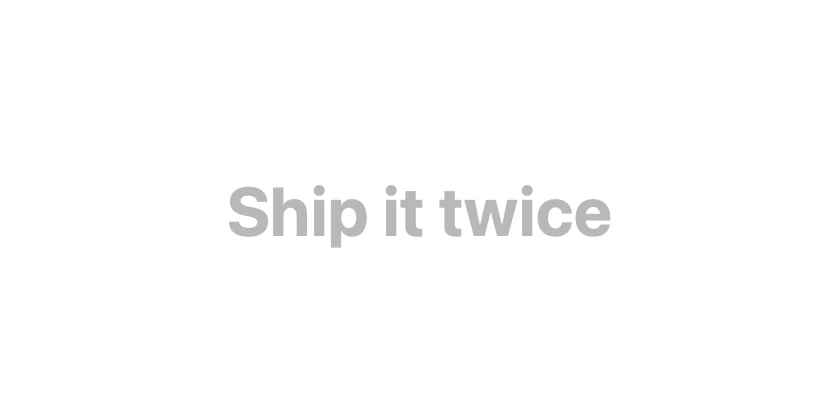
Muted type with a bright band sweeping through the letterforms.
Text Effects · SwiftUI · Flutter · iOS 17 · Flutter 3.16
- text
- shine
- shimmer
- sweep
- headline
- animation
The actual source
ShinyText.swift
// Shiny Text · syxUI · https://syxui.dev/components/shiny-text
// Free in any project. Keep this line and credit syxUI where a person can read it.

import SwiftUI

/// Muted text with a bright band sweeping through the letterforms.
///
/// The whole effect is one gradient masked by the glyphs, so it works with any
/// font, weight, or size and adds no layout cost.
struct ShinyText: View {
    var text: String = "Ship it twice"
    var font: Font = .system(size: 34, weight: .bold)
    var baseColor: Color = Color(white: 0.72)
    var highlight: Color = Color(white: 0.08)
    var period: Double = 2.8
    var phase: Double? = nil

    @Environment(\.accessibilityReduceMotion) private var reduceMotion
    @State private var animated: CGFloat = -1

    private var current: CGFloat { phase.map { CGFloat($0) } ?? animated }

    var body: some View {
        Text(text)
            .font(font)
            .foregroundStyle(baseColor)
            .overlay {
                if !reduceMotion {
                    sweep.mask(Text(text).font(font))
                }
            }
            .onAppear(perform: start)
            .accessibilityLabel(text)
    }

    private var sweep: some View {
        GeometryReader { geo in
            LinearGradient(
                colors: [highlight.opacity(0), highlight, highlight.opacity(0)],
                startPoint: .leading,
                endPoint: .trailing
            )
            .frame(width: geo.size.width * 0.35)
            // Travels from fully off the leading edge to fully off the
            // trailing edge, so the band never pops into view.
            .offset(x: mapped(current, width: geo.size.width))
        }
    }

    private func mapped(_ value: CGFloat, width: CGFloat) -> CGFloat {
        let travel = width * 1.35
        return -width * 0.35 + (value + 1) / 2 * travel
    }

    private func start() {
        guard phase == nil, !reduceMotion else { return }
        withAnimation(.linear(duration: period).repeatForever(autoreverses: false)) {
            animated = 1
        }
    }
}

#Preview {
    ShinyText()
        .padding(30)
}
iOS 17 · No dependencies
SwiftUI note. Under Reduce Motion the overlay is dropped entirely and the text renders in the base colour — no frozen half-lit band.
Dependencies
- SwiftUI
- No external dependencies
- Flutter
- No external dependencies
Requires iOS 17
Requires Flutter 3.16